



- Ribbon UI Overview
- QtitanRibbon - implementation of the concept of Microsoft Ribbon for Qt
- QtitanRibbon as a standard for implementation of Ribbon UI for Qt
- QtitanRibbon - implementation details
- Integration with Qt Designer
Ribbon UI Overview
Modern applications are not conceivable without an interface offered by Microsoft in they office solutions. This concept is called the Ribbon UI and currently it is the main attribute that makes the application keeping up with the times. Detailed description about it your find on this page - http://msdn.microsoft.com/en-us/library/bb386097.aspx.
QtitanRibbon - implementation of the concept of Microsoft Ribbon for Digia Qt.C++
QtitanRibbon component implements the concept of Microsoft Ribbon for Qt. This component is designed for any type of commercial applications developed using Qt. Along with Qt, the component provides a unique opportunity to obtain an application, which has a modern look and feel for the three major platforms that exist on the globe. For Windows, Linux and Mac OS X.
QtitanRibbon provides 5 Office styles with various themes for the final application. Office 2016, Office 2013, Office 2010, Office 2007 with Blue, Black, Aqua, Silver palettes. Here are some screenshots that show how it looks in reality:
Office 2016 (Colorful)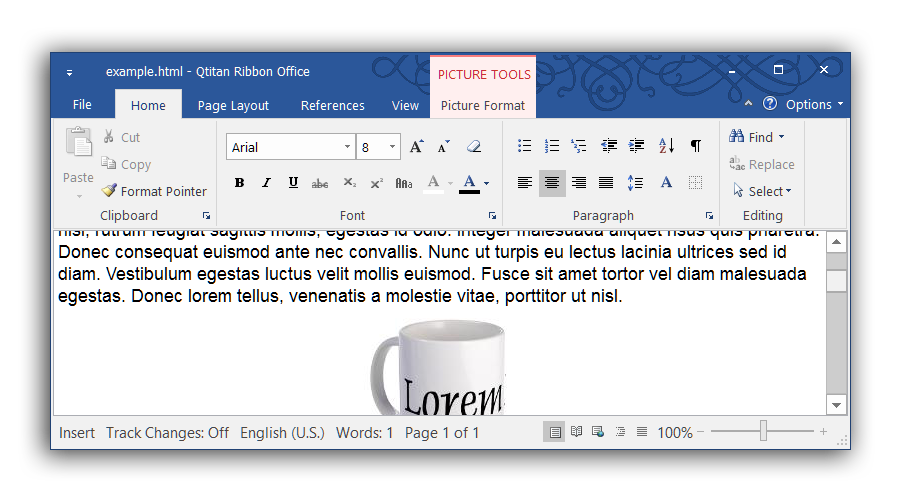
Office 2016 (Black)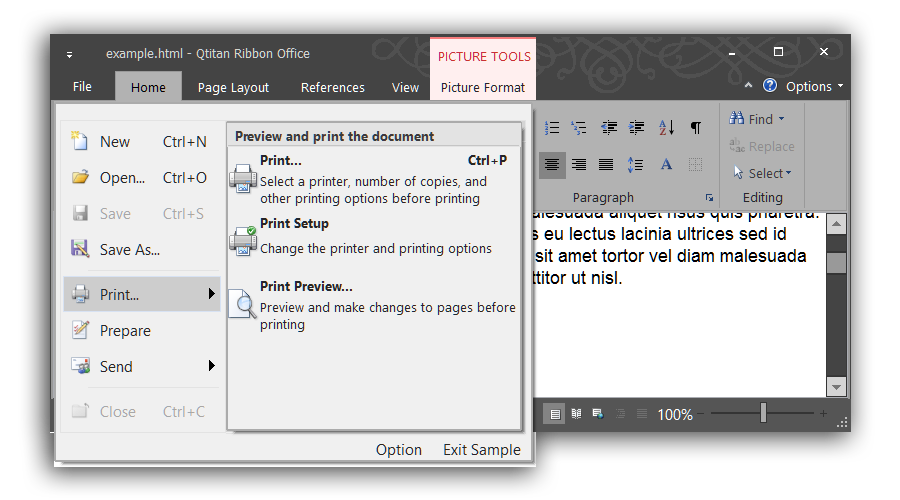
Office 2013 (white)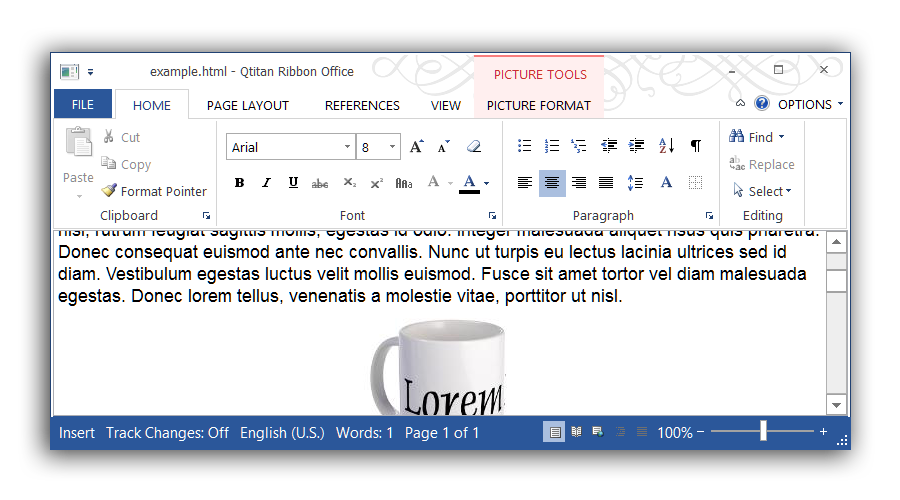
Office 2013 (Gray)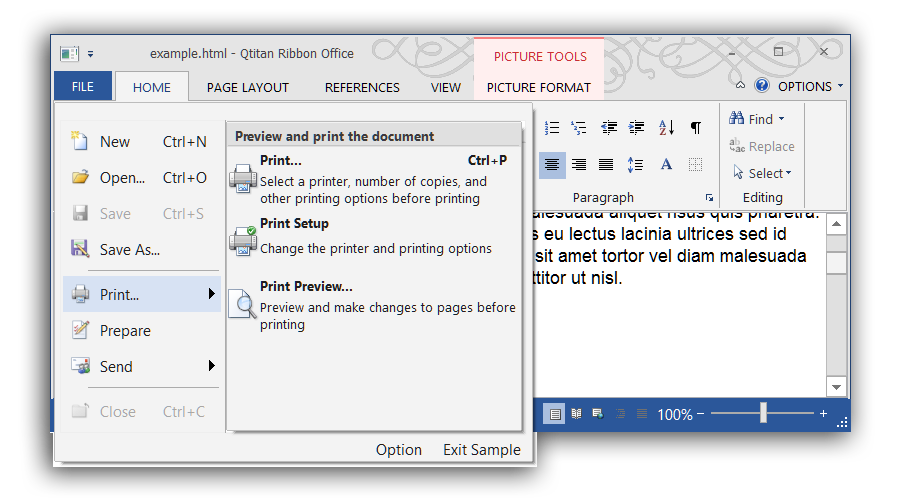
Office Windows 7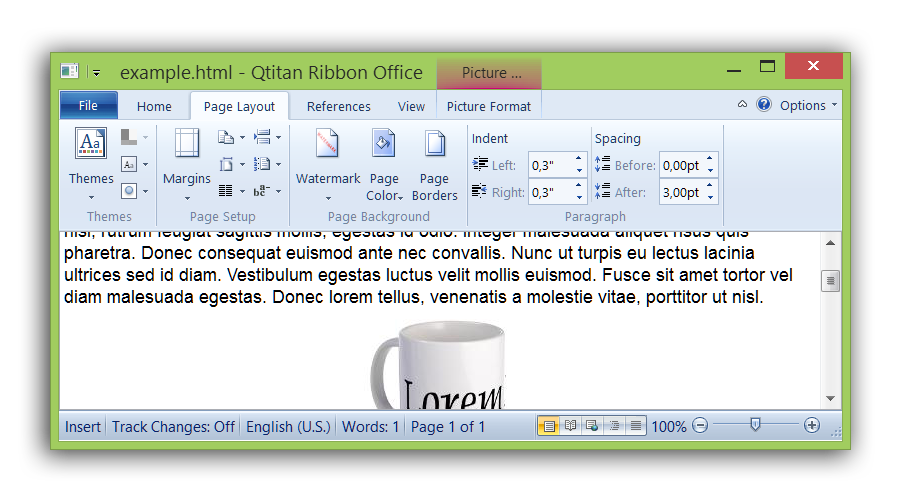
Office 2010 (Blue)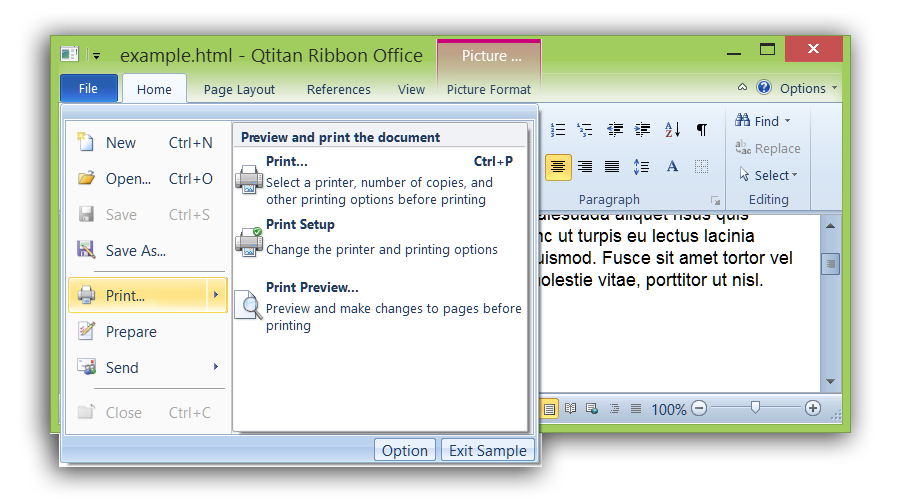
Office 2010 (Black)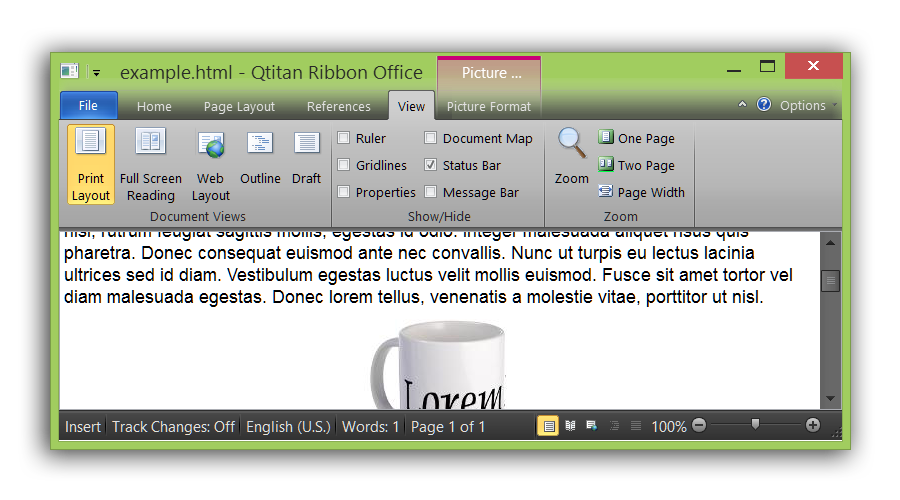
Office 2007 (Blue)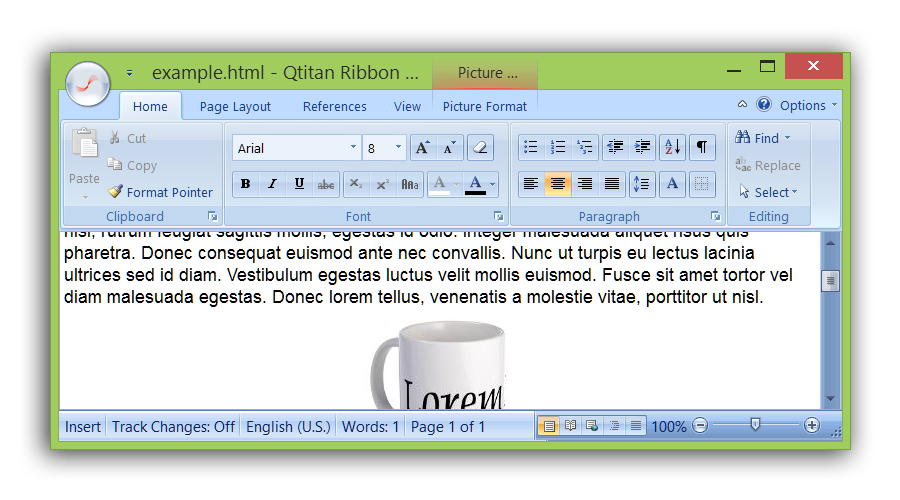
Office 2007 (Black)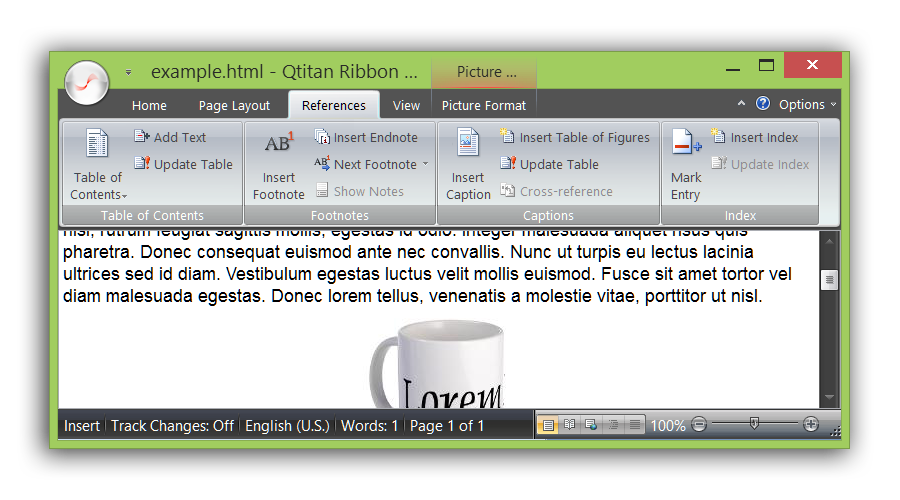
As you can see the look exactly the same on all three platforms. We taken care of it. There is only one difference. By default, on every platform theme UI initialization differently. Windows is a classics - so switched palette is Blue. Linux it is a platform for smart guys so the initialization palette is Black. For Mac OSX the native color is light-blue so the default theme is Scenic. In any case, the theme and palette of Ribbon UI can be modified at any time, regardless of platform.
QtitanRibbon as a standard for implementation of Ribbon UI for Digia Qt.C++
QtitanRibbon implemented with strict adherence to standards and recommendations of Microsoft, that applies to the concept Ribbon UI. Ribbon UI concept is well established themselves among the users. So if you're using QtitanRibbon then your users easily able to learn and quickly start using your applications. Composition of control corresponds to the set, which is described in the specification Ribbon UI. The component QtitanRibbon provides you with the following elements:
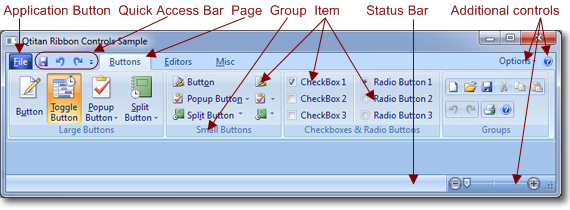
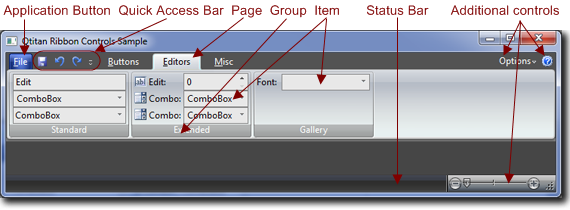
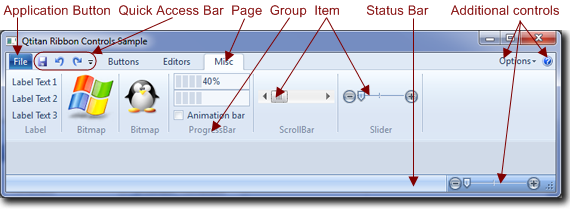
The table below shows the composition of the elements that were implemented or are planned.
| Ribbon UI Elements | Stage |
| Ribbon Bar | Implemented |
| Ribbon Tabs | Implemented |
| Ribbon Groups | Implemented |
| Application Button | Implemented |
| Backstage View | Implemented |
| Applicaton Menu | Implemented |
| Contextual Tabs | Implemented |
| Quick Access Bar | Implemented |
| Button Control | Implemented |
| Button Group Control | Implemented |
| Calendar Control | Implemented |
| Check Box Control | Implemented |
| Combo Box Control | Implemented |
| Data/Time Picker Control | Implemented |
| Drop-Down Button Control | Implemented |
| Gallery Control | Implemented |
| Key Tip Control | Implemented |
| Label Control | Implemented |
| Masked Text Control | Planned |
| Numeric Up-Down Control | Implemented |
| Panel Control | Implemented |
| Radio Button Control | Implemented |
| Screen Tip Control | Implemented |
| Scroll Bars Control | Implemented |
| Separator Control | Implemented |
| Slider Control | Implemented |
| Split Button Control | Implemented |
| Status Bar Control | Implemented |
| Tab Control Control | Implemented |
| Text Box Control | Implemented |
| Toggle Button Control | Implemented |
Together with a Ribbon UI in this product, we provide a style OfficeStyle (it inherits from QStyle), which you can use to make the application which has close resemblance with Microsoft Office 2007 or 2010. Style OfficeStyle so well supplied with 5 themes - Blue, Black, Silver, Aqua, Scenic.
QtitanRibbon - implementation details
The component is designed in 100% native Qt/C++ and does not use external borrowings and third-party libraries. However, there are portions of code that are implemented on each platform in different ways. This is done because of some features of Qt, as well as by reason of improve rendering performance.
QtitanRibbon supports - Qt5.x 32-bit or 64-bit. Qt4.8 can be supported by the request.
Integration with Qt Designer
QtitanRibbon component has a convenient integration with Qt Designer. This allows you to manage location of the Ribbon UI on the form in the design time. Ribbon designer plug-in supports both QtDesigner and QtCreator. Additionally component contains a application wizard template for QtCreator.


